Most yacht management is invisible to the owner. The work happens while you are somewhere else, and you find out about it in an invoice. MyYacht is the Marine HQ answer to that: a private app for your yacht that shows the work as it happens, the money as it is spent, and the boat where she is. This guide walks through it screen by screen. Every screen below is Sea Philly, a fictional Sunseeker 76 we keep as a demonstration yacht, so nothing here is a client’s.
Key facts
- What it is — a private web app per yacht, on your phone’s home screen; nothing to install
- Sign in — a one-tap email link or a six-digit PIN; 90 days signed in per device; no password
- What you see — work lists with photos, jobs and quotes to approve, the maintenance schedule by engine hours, documents, fuel and costs, position and weather
- What crew see — their own jobs, in their own app; crew notes reach you only when a director shares them
- Who else — an assistant or partner you nominate in writing, with their own sign-in
- Cost — included with Marine HQ vessel management
The way in
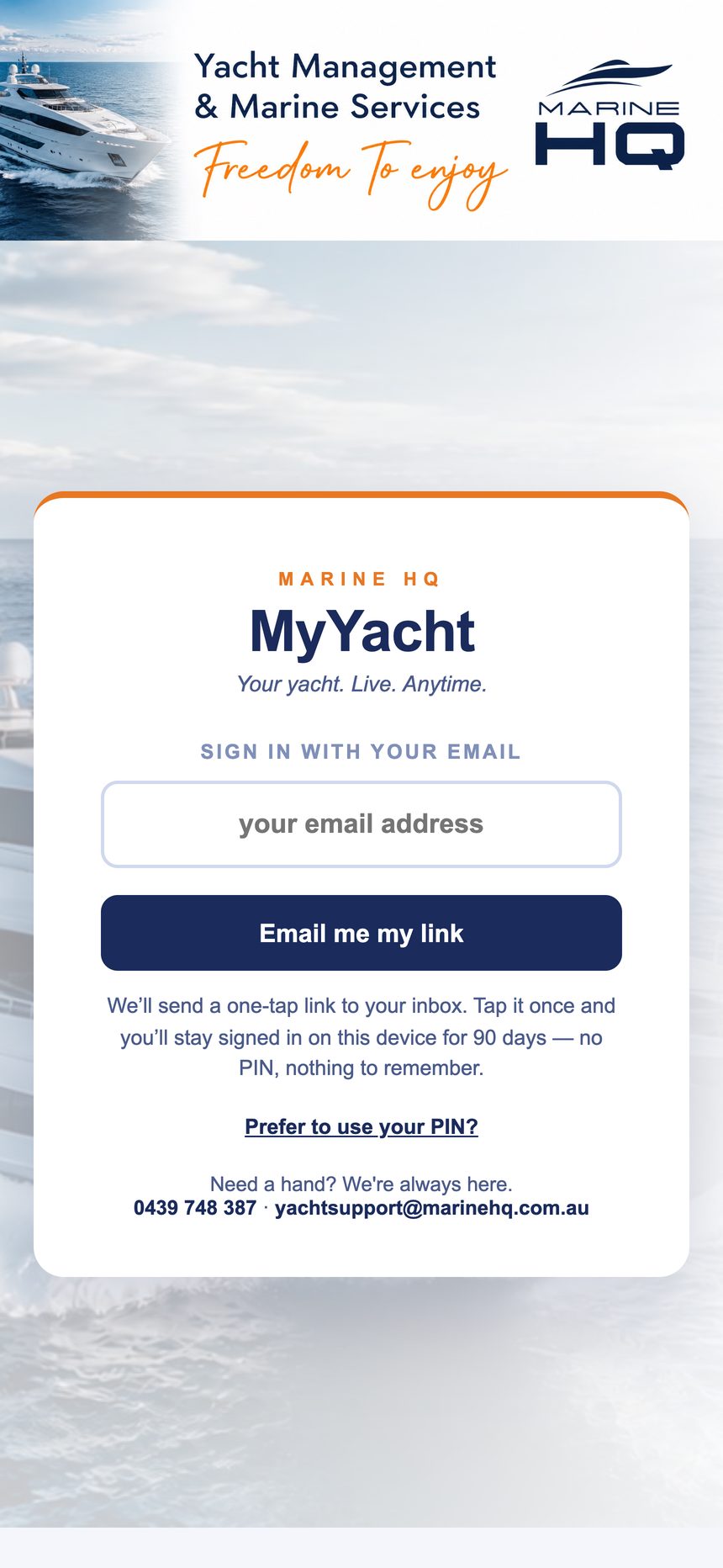
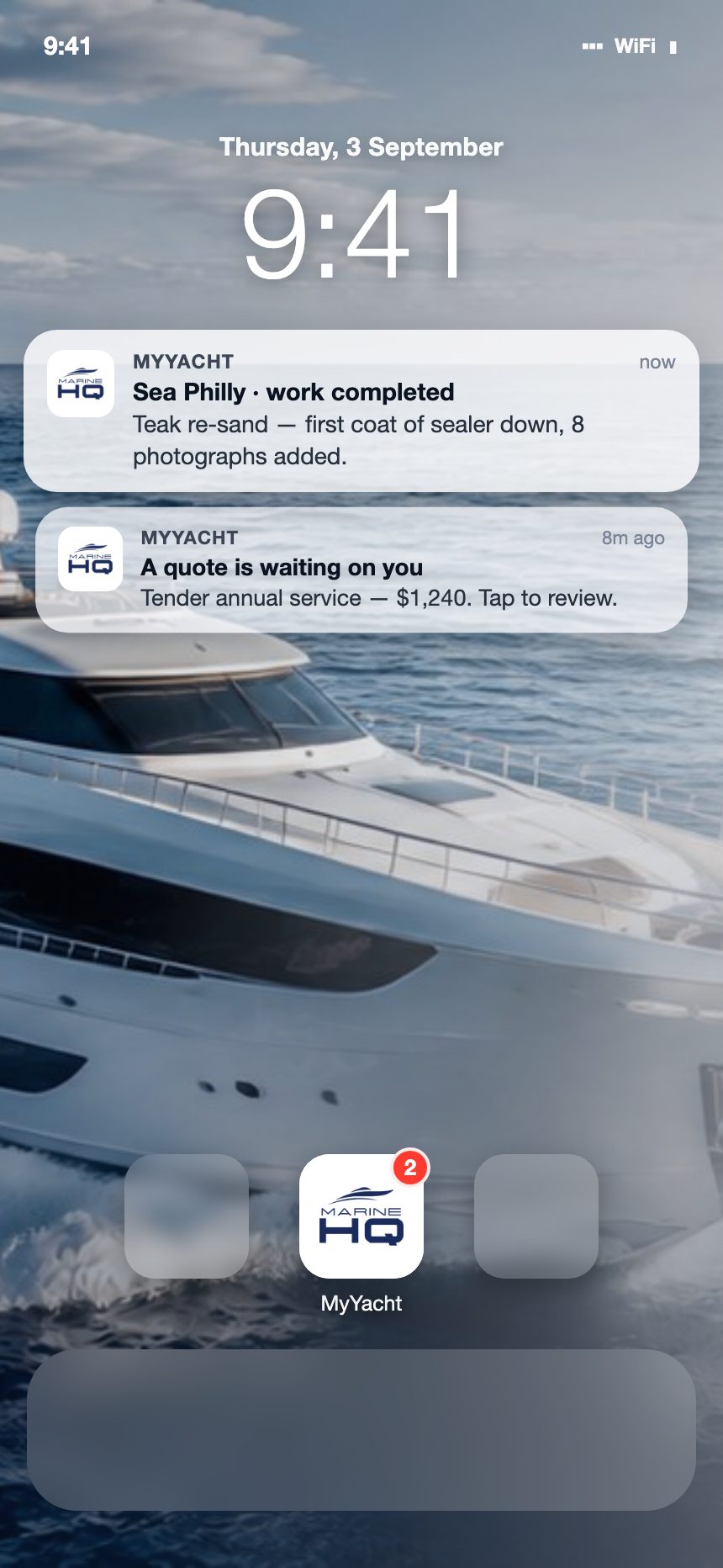
No app store, no password. Open the link, tap “Add to Home Screen”, and MyYacht sits on your phone with its own icon. Sign in with your email and a one-tap link arrives; you stay signed in on that device for 90 days. A six-digit PIN does the same job if you would rather.
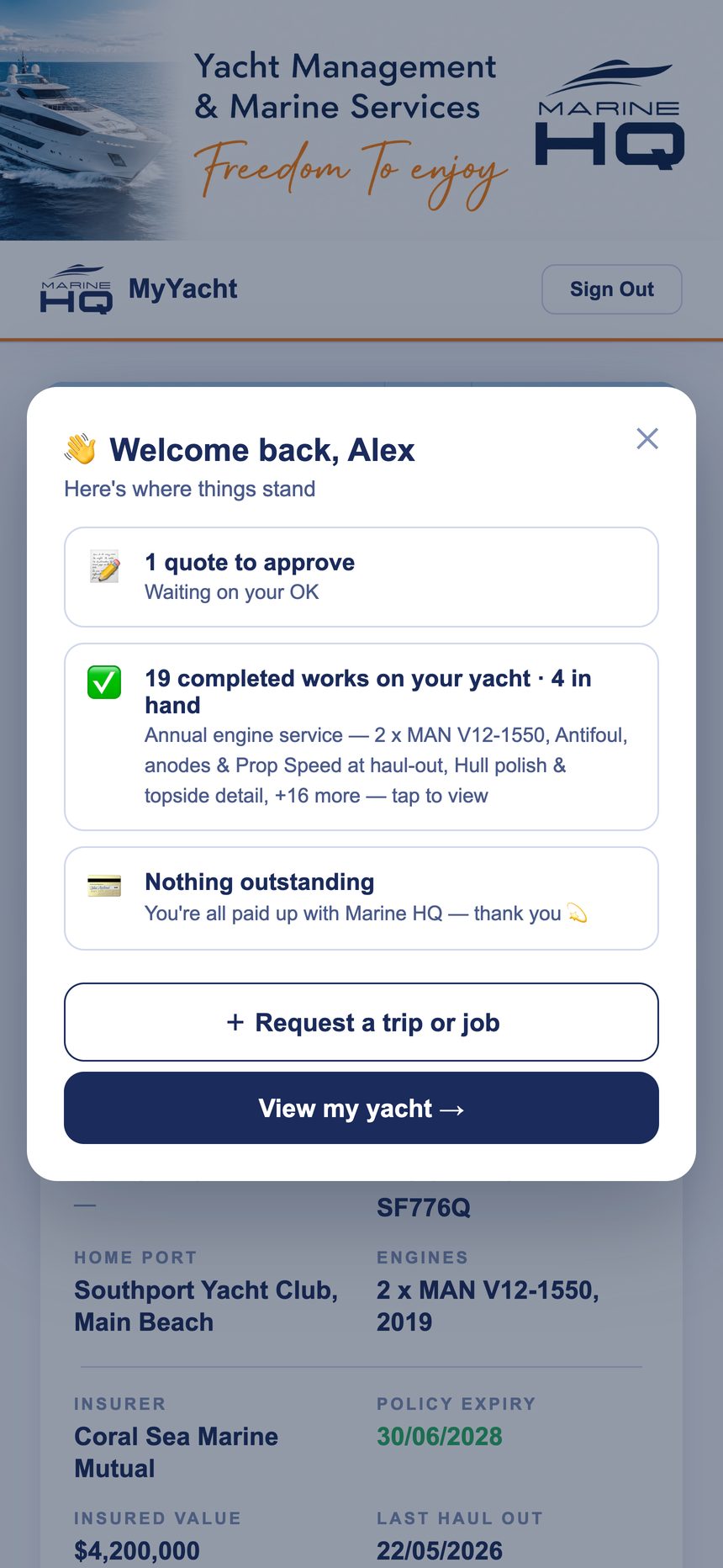
When you open it, the welcome screen tells you what needs you before you look for it: a quote waiting for your approval, what has been completed since you last looked, and whether anything is outstanding on your account.
Overview: the yacht at a glance
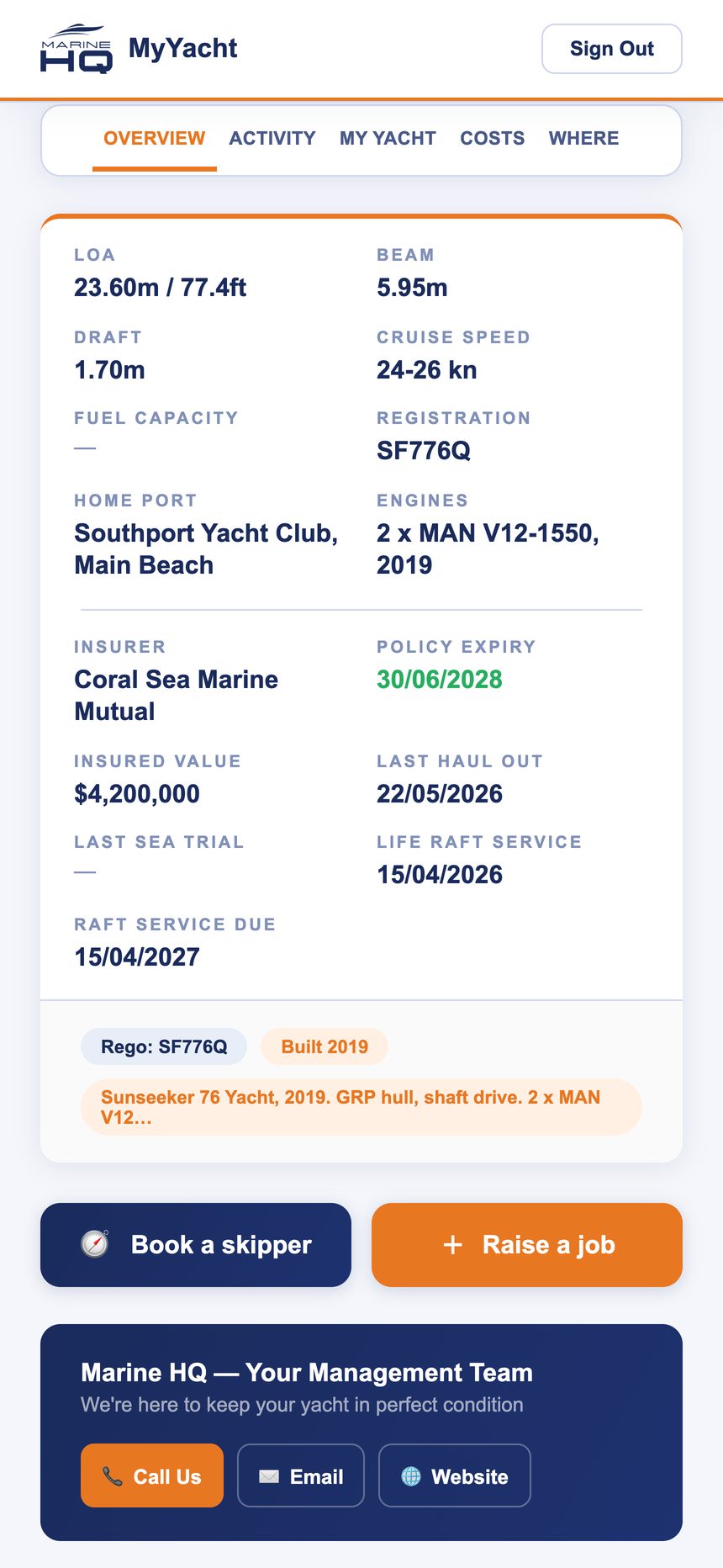
Her particulars as a card: length, beam, draft, fuel and water capacity, engines, registration, home port, insurer and policy expiry, insured value, the last haul-out and the life raft service date. Under it, the buttons you use most: book a skipper, raise a job, call, email.
Activity: the work, as it happens
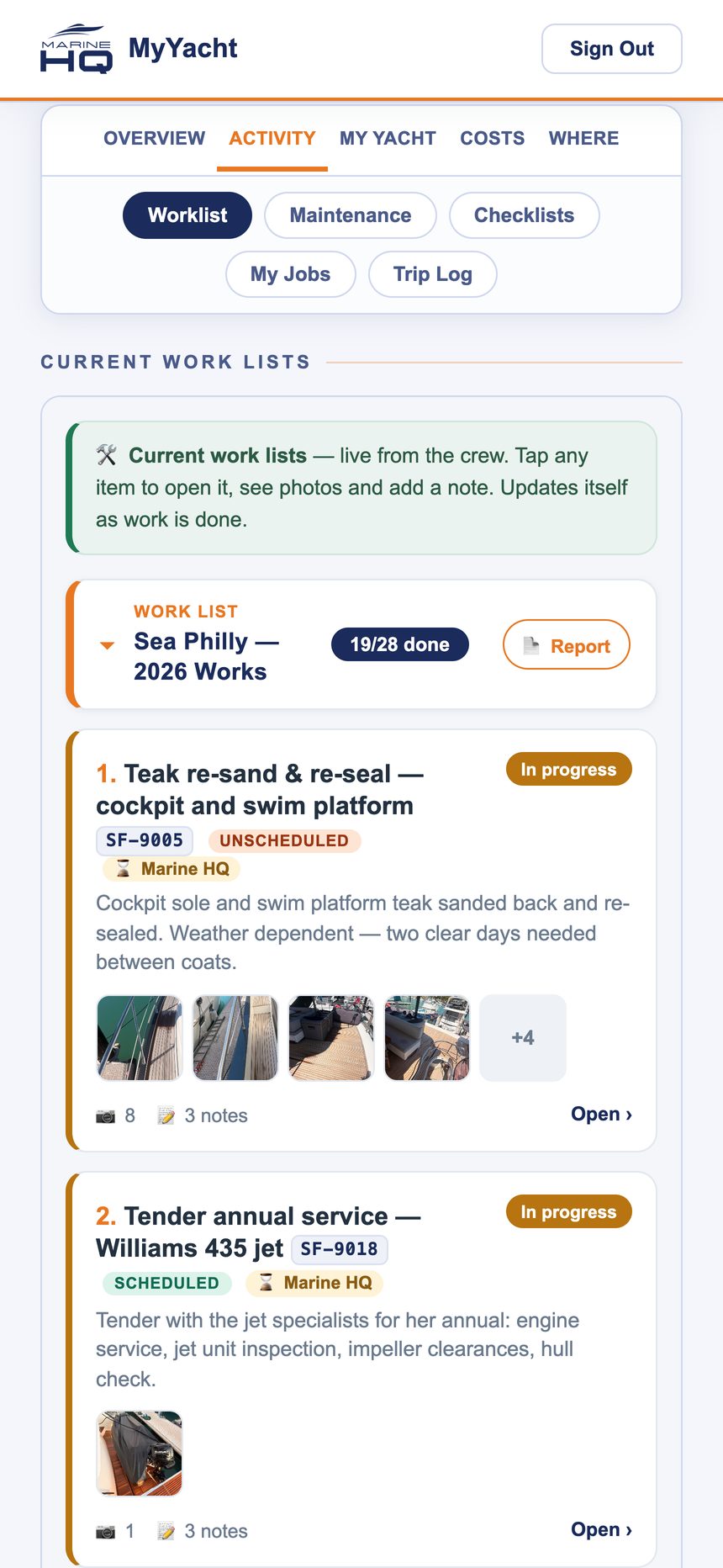
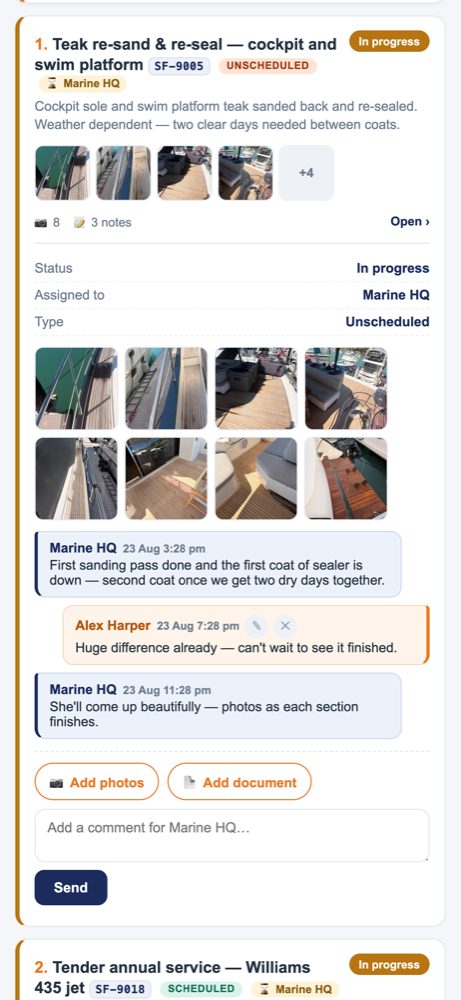
Work lists. Everything the crew are doing on your yacht, live, with a progress count. Each job carries its code, status, whether it was scheduled or unscheduled, who is on it, and the crew’s photos as they go. Tap a job and you are inside it: the photos, the notes, and a conversation thread with Marine HQ where you can ask a question, add a photo or attach a document.
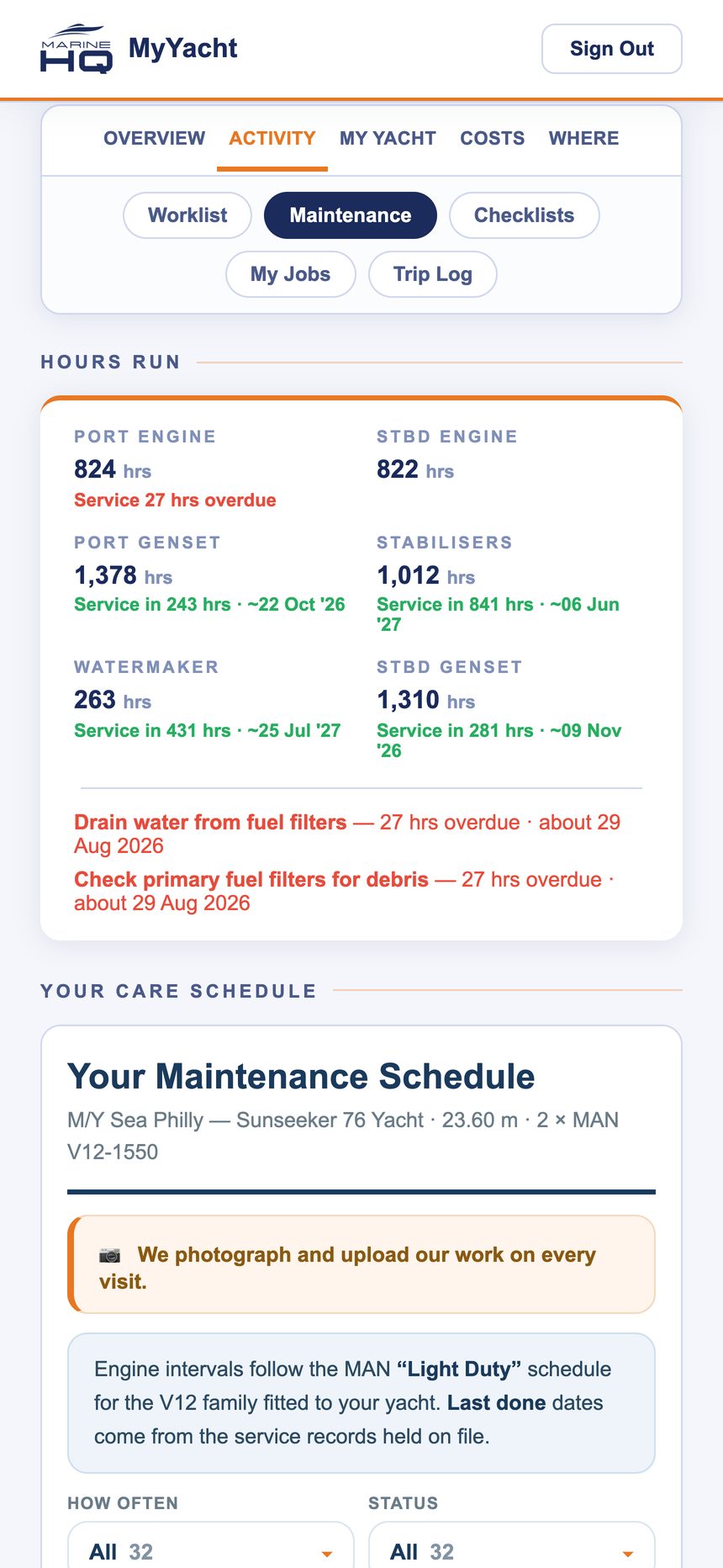
Maintenance. Hours run on every metered system, port and starboard engines, gensets, stabilisers, watermaker, and “service in N hours” for each, with the projected date. Below it, your care schedule: what is due, how often, and what was last done. Engine intervals follow the maker’s schedule for your engines.
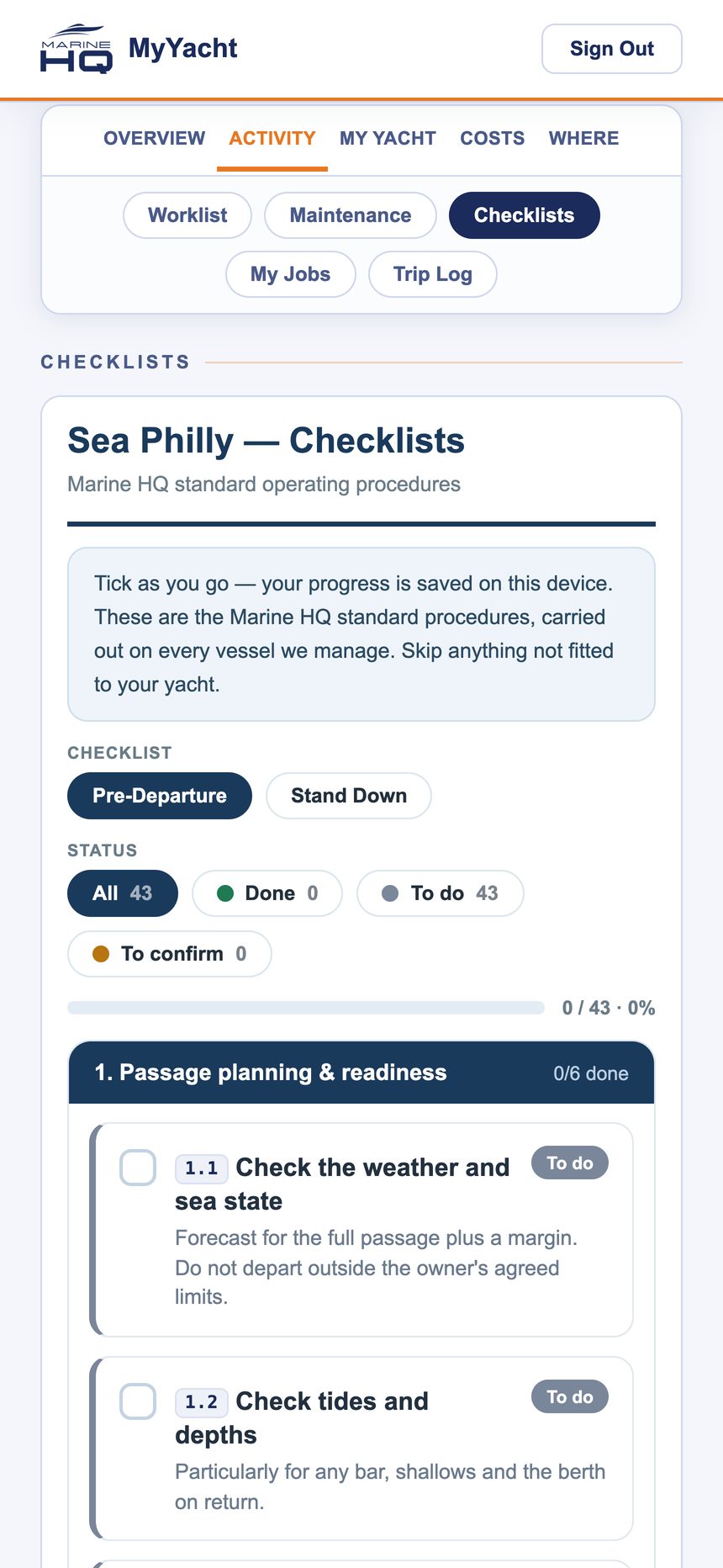
Checklists. Pre-departure and stand-down procedures, ticked as you go, with progress saved on the device. Skip anything not fitted to your boat.
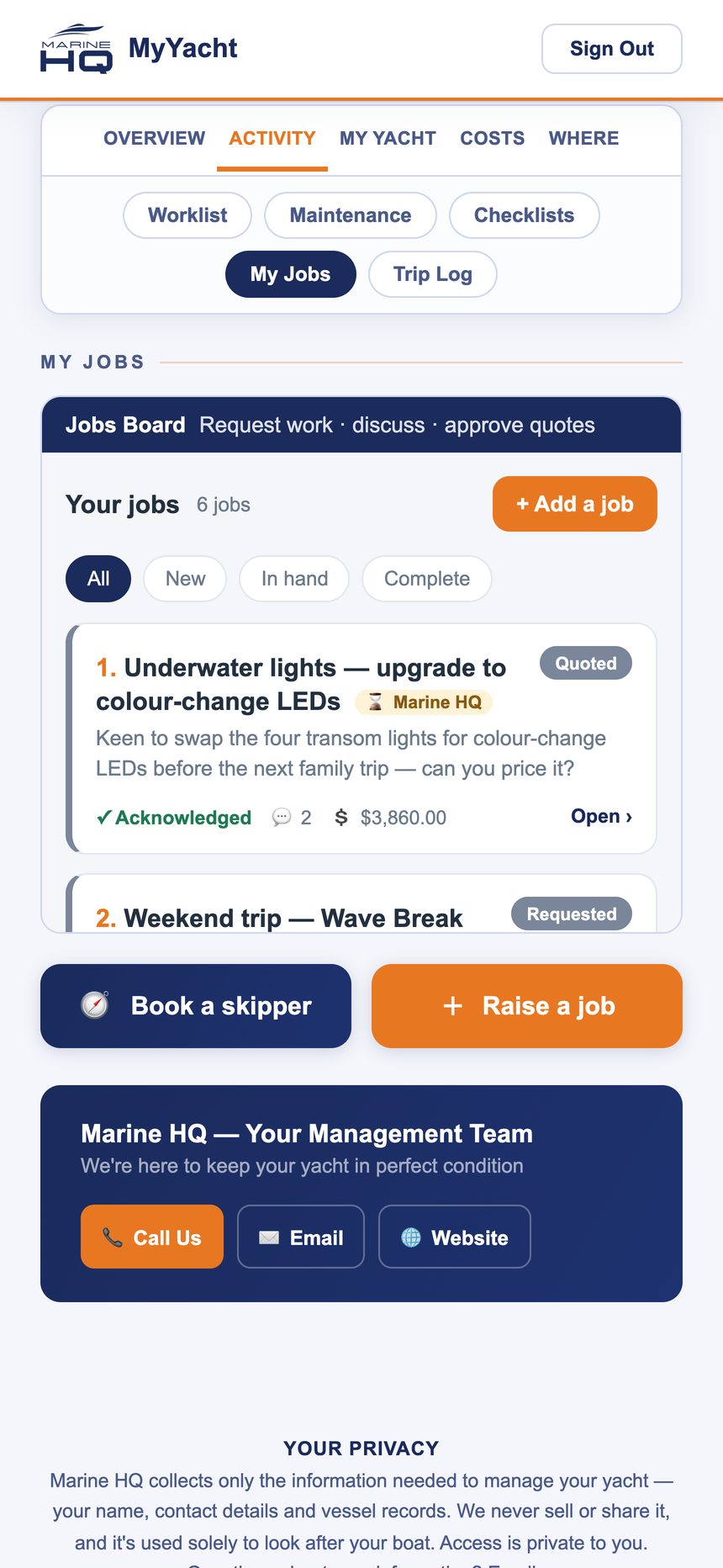
My Jobs. The board of everything you have asked for: requested, quoted, in hand, complete. A quote arrives here with the price and the reasoning, and you approve it with a tap. Nothing starts before you do.
Trip log. Each passage as a record: departure and arrival, fuel and water at both ends, hour meters, a note. It feeds the service schedule, so a long run north brings the next service forward automatically.
My Yacht: the record
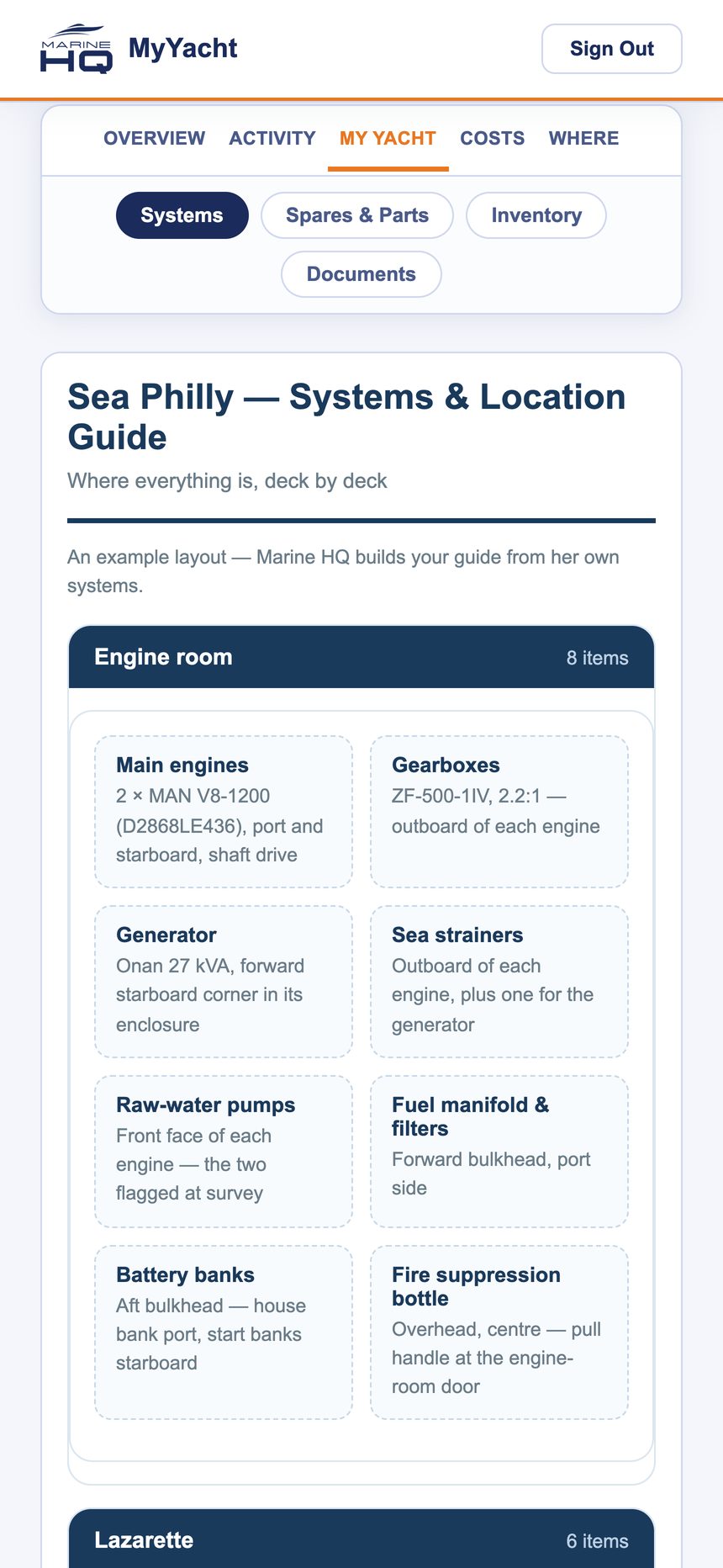
Systems and location guide. Where everything is, deck by deck: engines, gearboxes, generator, sea strainers, pumps, batteries, fire suppression. The guide the next captain reads on day one.
Spares and parts. What is carried, where it lives, part numbers, minimum stock and what is running low.
Inventory. Everything aboard by area, with condition and service dates: life jackets, raft, EPIRB, flares, extinguishers.
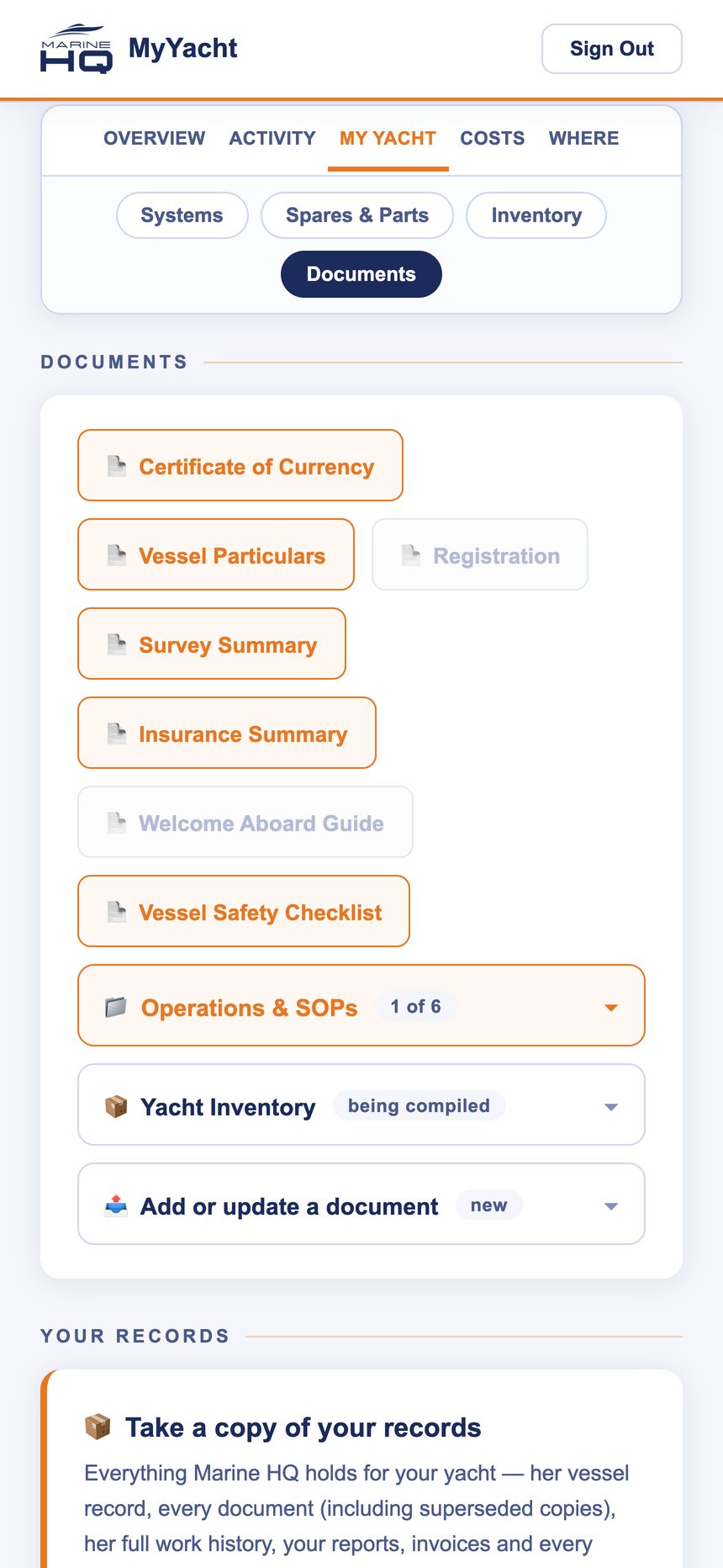
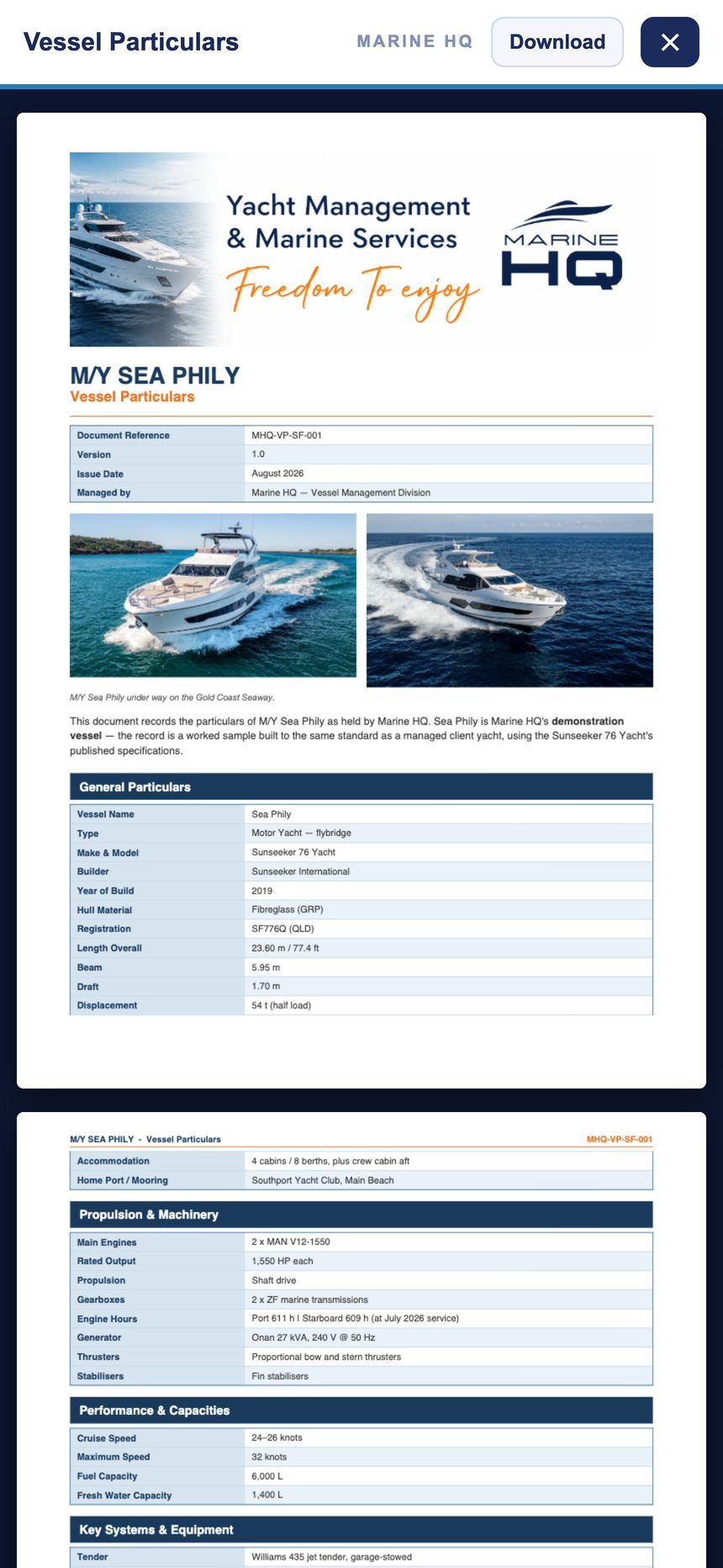
Documents. Certificate of currency, vessel particulars, registration, survey, insurance summary, safety checklist, the operating procedures. Each opens in the app; each is the current version, with superseded copies kept. Add a document yourself when something new arrives.
Costs: every dollar, traceable
Account. Whether you are paid up, and if not, what is outstanding.
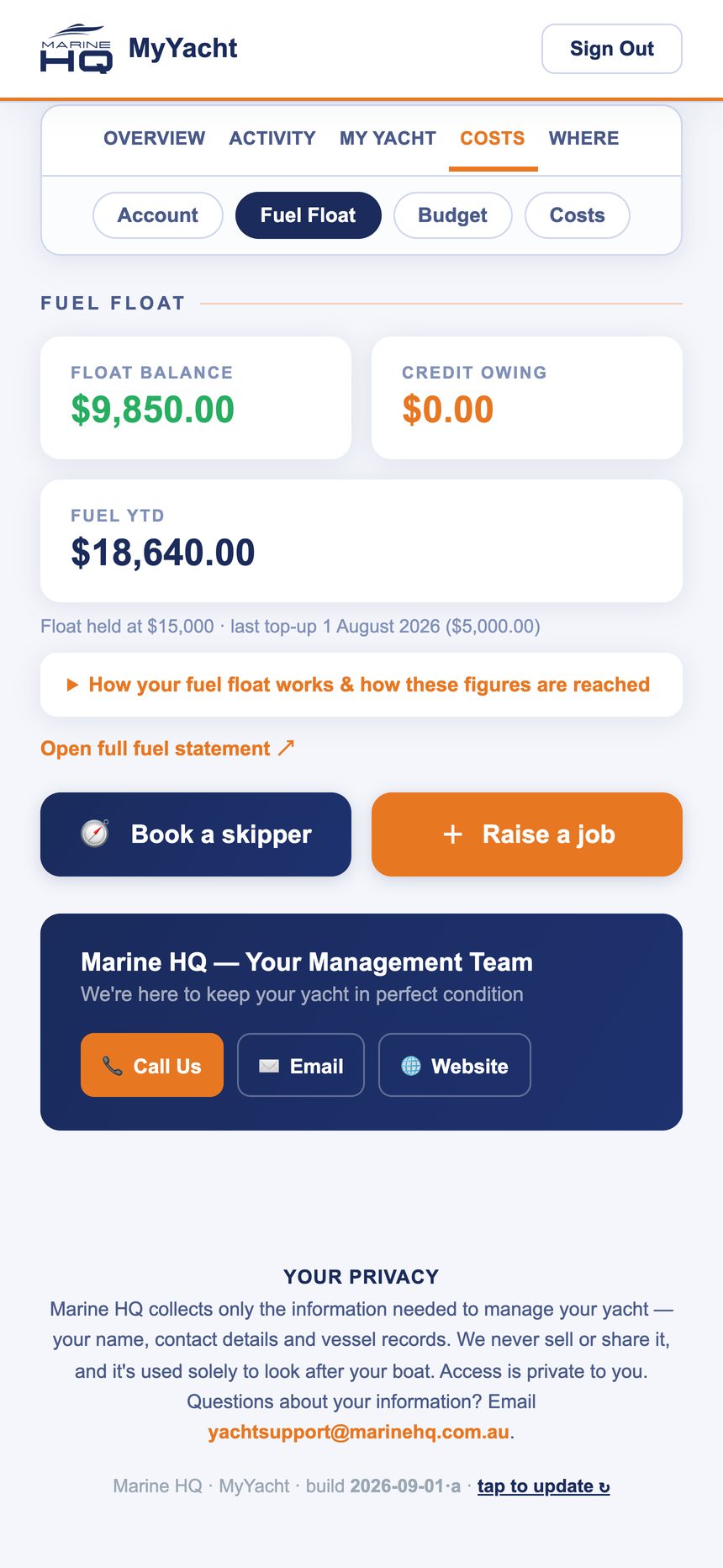
Fuel float. The balance, credit owing, the top-ups, and a line to the full statement.
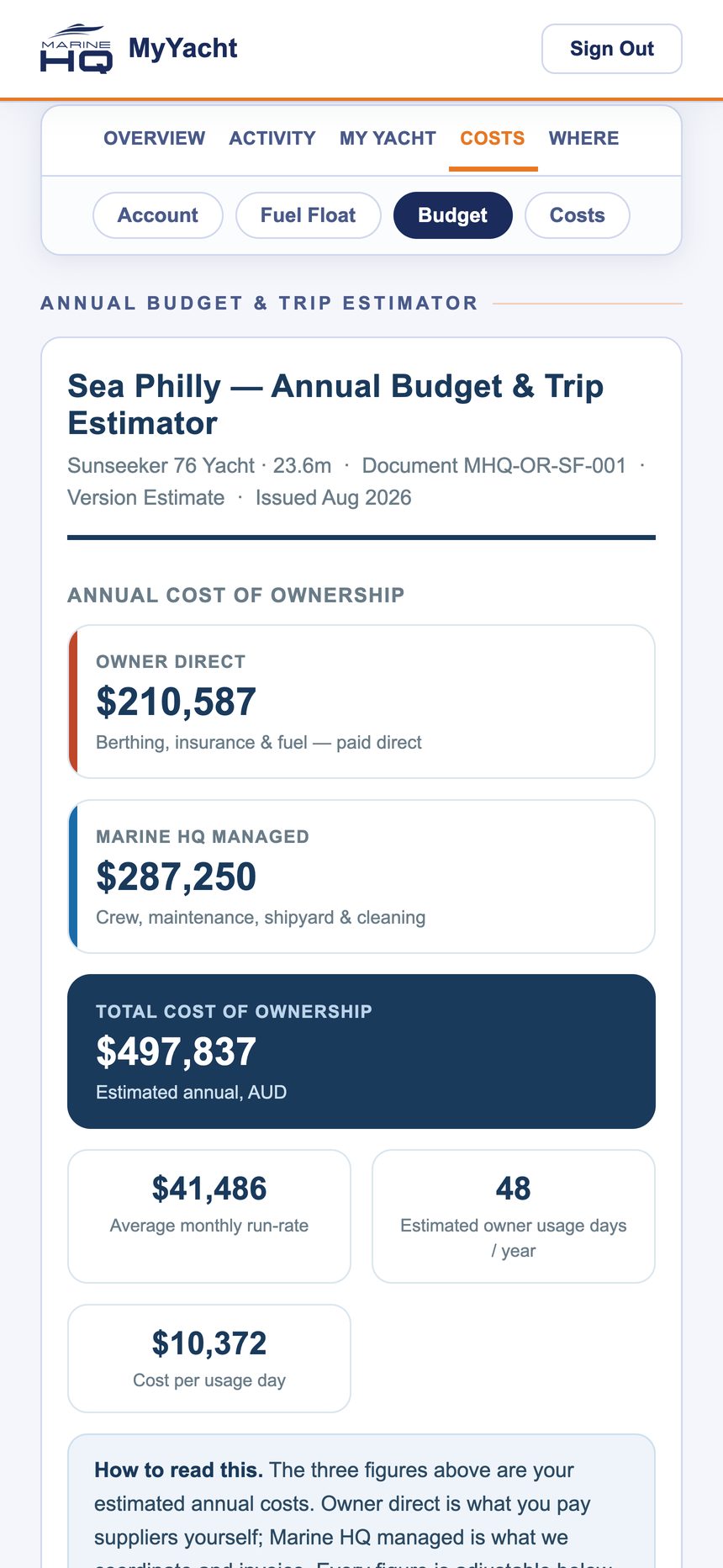
Budget and trip estimator. The annual cost of ownership for your yacht set out in full: what you pay directly, what Marine HQ manages, the average monthly run rate, and what a day’s use costs.
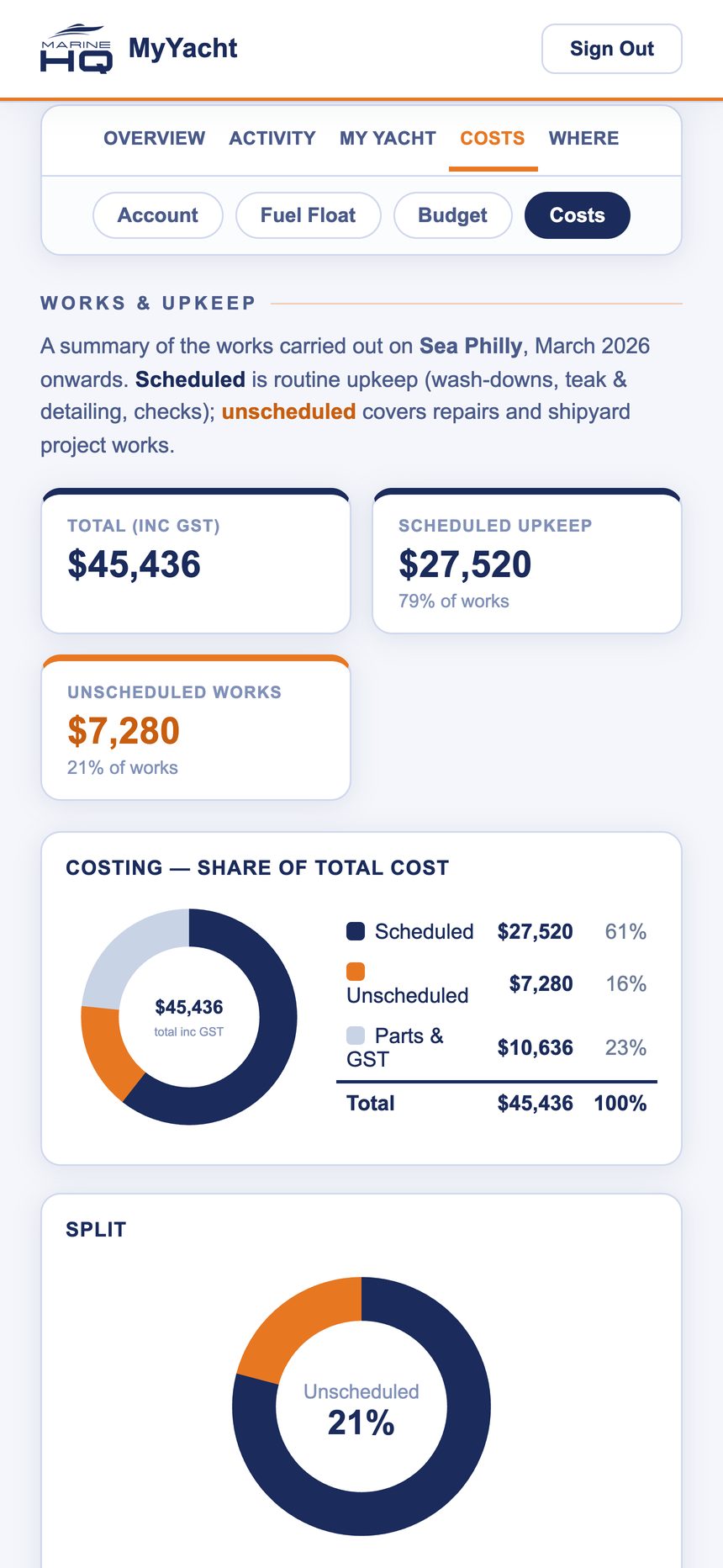
Costs. Works and upkeep as a split: scheduled maintenance, unscheduled work, parts and GST, so you can see at a glance whether the money went into the plan or into surprises.
Where: the boat, the weather, the calendar
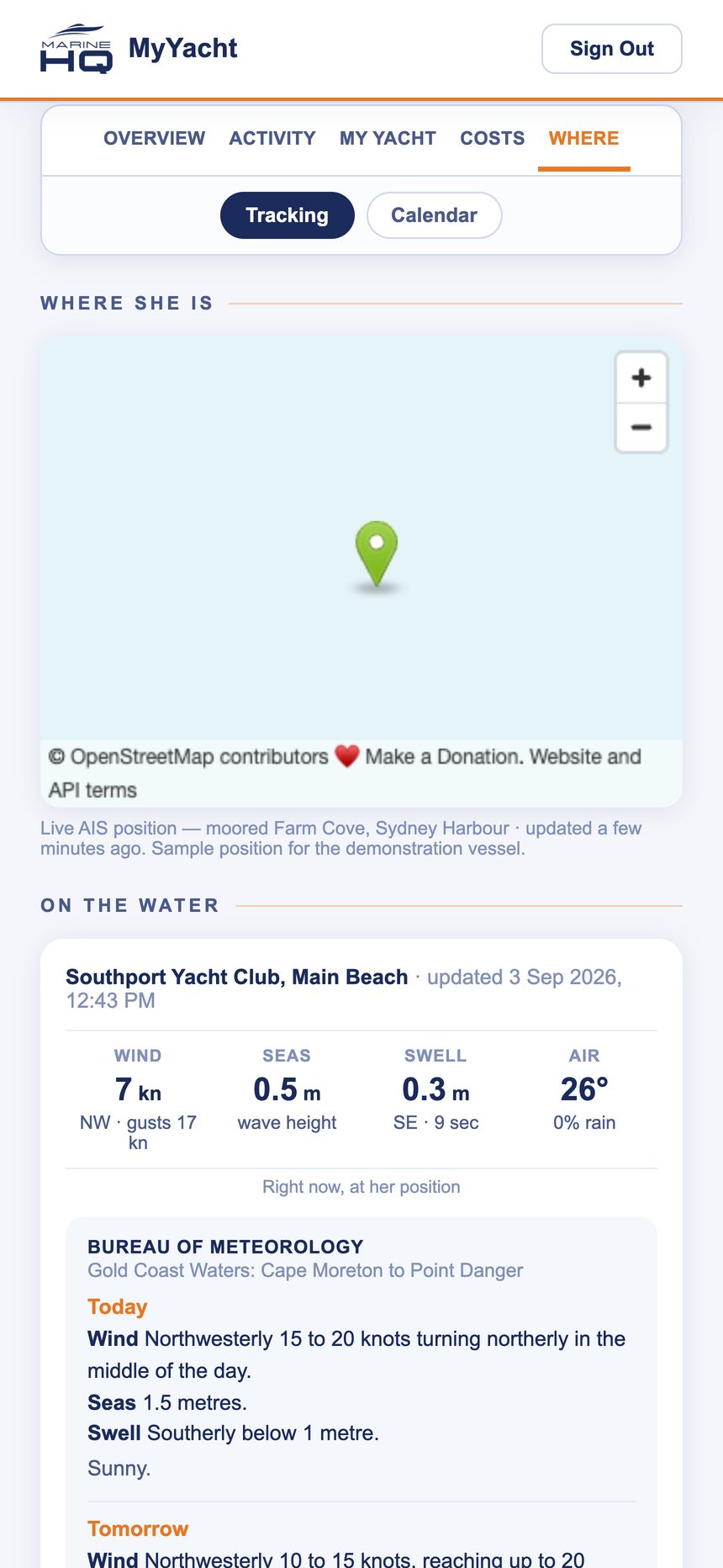
Tracking. Where she is, on a map. Managed yachts with AIS show their live position and track.
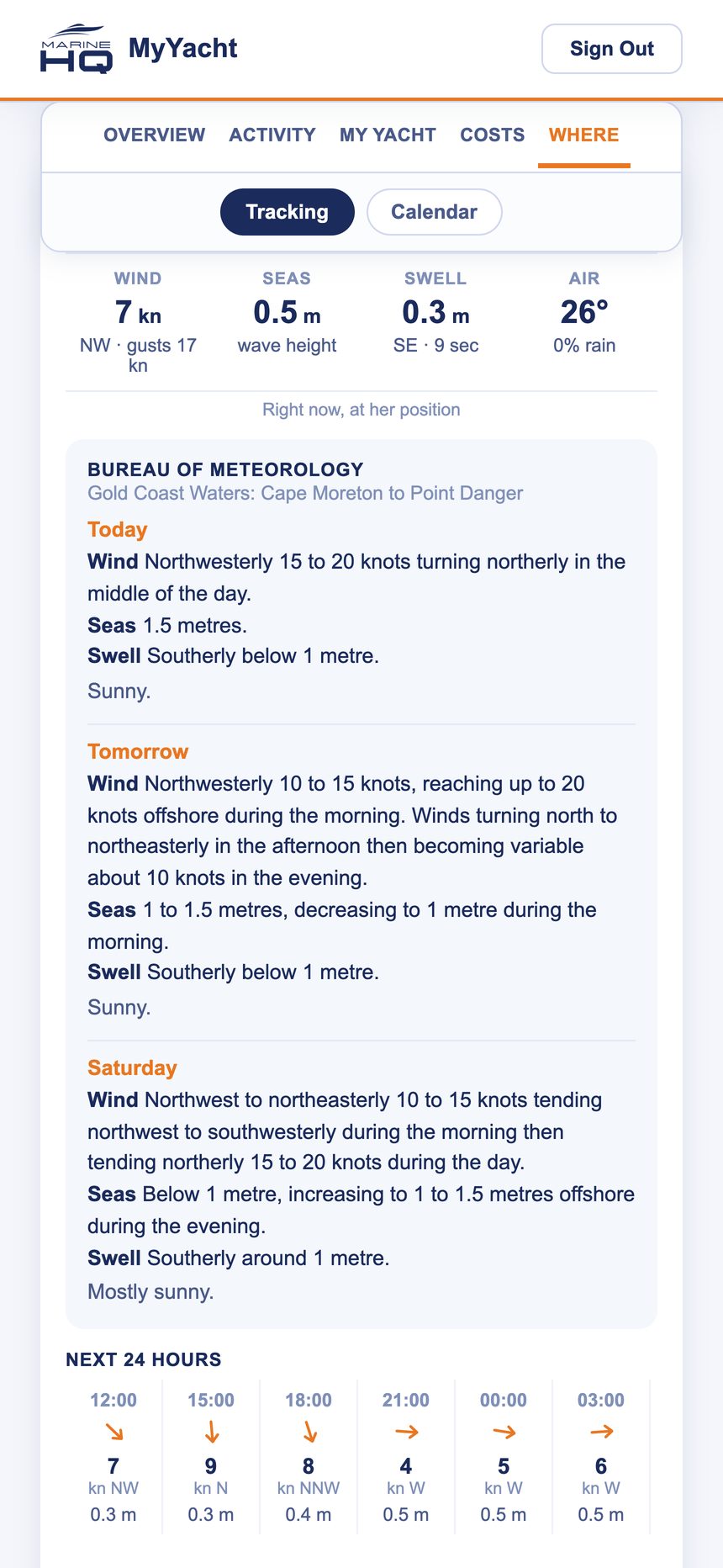
On the water. The Bureau’s coastal waters forecast for wherever she is, today and the next two days, with wind, seas, swell and air, the next 24 hours by the hour, and the tide.
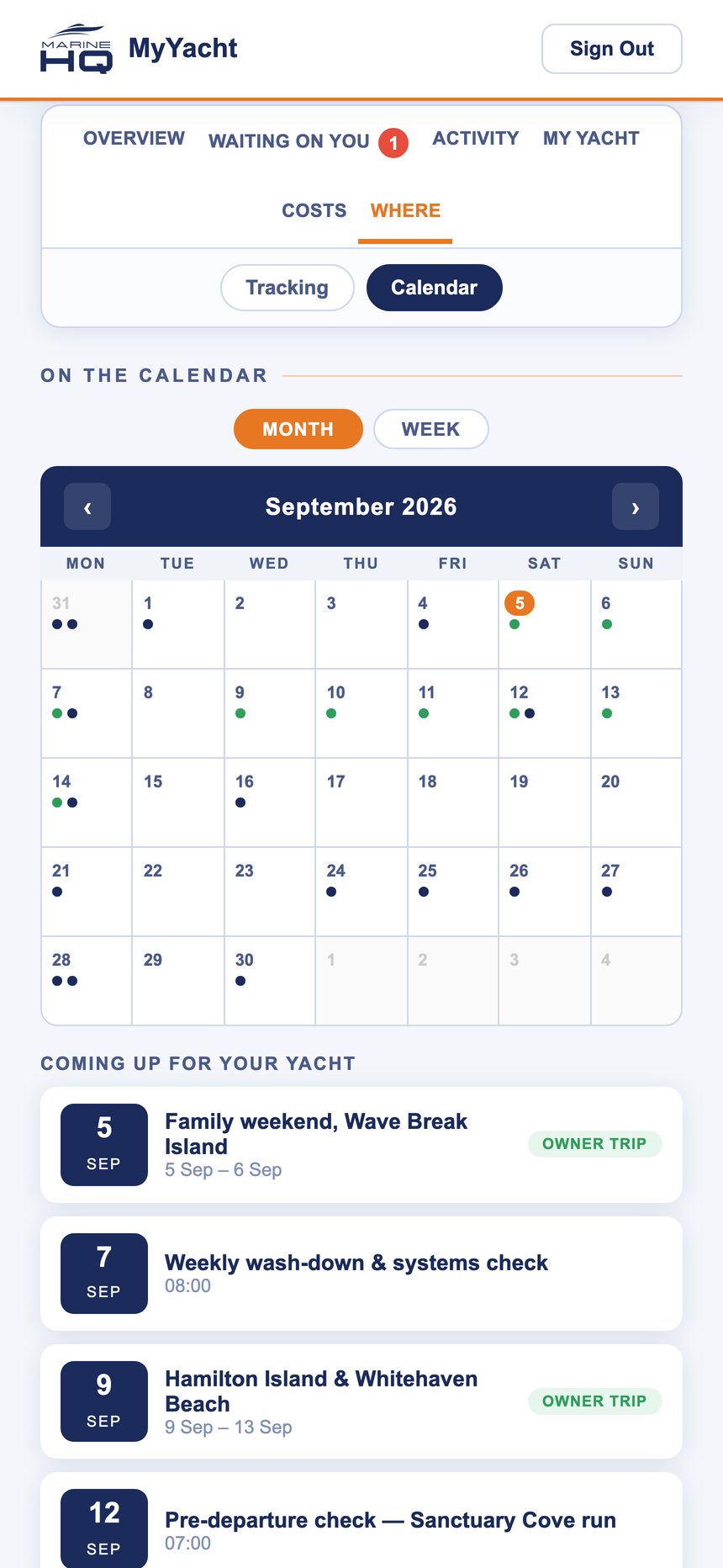
Calendar. Your trips, the crew’s wash-downs and checks, and the shipyard period, on one calendar, with what is coming up for your yacht listed underneath.
The works report
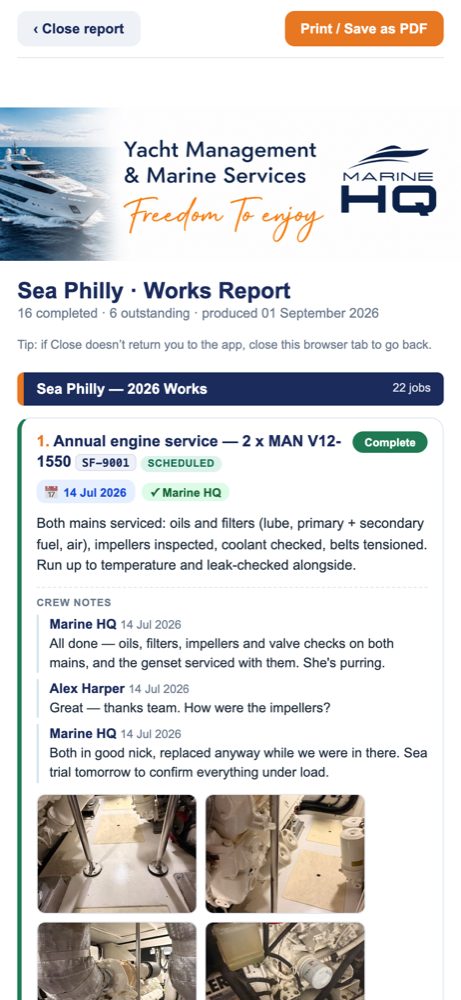
At any time, one tap produces a branded works report for your yacht: every job completed and outstanding, with the crew’s notes and photos, ready to print or save as a PDF. It is the document that goes to your accountant, your insurer at renewal, or a buyer at sale.
For the team, not just the owner
MyYacht has a crew side. Crew sign in the same way, see only the jobs assigned to them, clock on and off against a job, add photos and progress, tick and sign checklists, read the operating procedures and log a trip. Their hours flow to the job card. Their notes and photos stay between crew and Marine HQ until a director shares them with you, so what reaches your screen is the finished picture, not the working-out.
The point of all of it is continuity. A captain who joins your boat opens the app and finds the schedule, the history, the spares, the systems guide and the open jobs. A captain who leaves takes nothing the boat needs. That is the difference between a record that lives with the yacht and one that lives in someone’s head.
Privacy
Marine HQ collects only the information needed to manage your yacht: your name, contact details and the vessel’s records. We never sell or share it, and it is used solely to look after your boat. Each owner sees only their own yacht. Questions about your information go to yachtsupport@marinehq.com.au.
What we do
MyYacht comes with Marine HQ vessel management; it is how you see the work we do. If you would like to see it with your own yacht’s details, or you are weighing up management and want to know what you would actually get, call 0439 748 387 or email yachtsupport@marinehq.com.au. We will open Sea Philly on your phone and show you.